401(k) census processing that catches errors at intake.
Map, validate and clean every census and payroll file before it reaches testing. KinetiPlan checks each row against named rules, routes exceptions to a queue and keeps a record of every fix.
Bad census data is the root of most testing rework.
Every annual test, every eligibility determination and every Form 5500 participant count starts from the employee census. When dates of birth are missing, hire and termination dates conflict, compensation is blank or an employee appears twice, the error travels into testing and comes back weeks later as a re-run, a late correction or a sponsor conversation nobody wants.
401(k) census processing is the work of receiving that file from the plan sponsor or payroll provider, mapping its columns, validating every row, resolving the exceptions and loading a clean census that testing and recordkeeping can trust. KinetiPlan turns that work into a repeatable intake step with named rules and a queue.
Five steps, each with a record.
Receive the file as CSV
Census and payroll exports arrive as CSV in ADP, Paychex, Gusto or a generic layout. There are no live payroll connections today.
Map columns
Common header variants (for example
dob,date_of_birthorbirth_date) are recognized automatically. Unknown columns are shown for a person to map, never guessed.Validate every row
Named rules flag missing or unreadable dates of birth and hire dates, impossible ages, termination before hire, hires before age 14, non-numeric compensation, duplicate employee IDs and deferrals larger than compensation.
Route exceptions
Each failing row goes to the exception queue with the rule that failed. Staff fix, approve or dismiss with notes.
Load a clean census
The validated census sits on the plan record, where eligibility screening, HCE flags and nondiscrimination testing use it directly.
What gets checked on every row
| Rule | Why it matters for a TPA |
|---|---|
| Missing or unreadable date of birth | Age drives eligibility, catch-up eligibility, the age 60 to 63 catch-up and RMDs |
| Age outside a plausible range, or hired before age 14 | Usually a keying error in the birth or hire date |
| Missing hire date, or termination before hire | Service, entry dates and vesting depend on correct dates |
| Missing or non-numeric compensation | Compensation drives deferral percentages, HCE status and every test |
| Duplicate employee ID | Double-counts participants and contributions |
| Deferral larger than compensation | Almost always a column or unit error in the payroll export |
Rules shown are those in the free census check on this website and in the pilot build intake. Plan-specific rules are added during a pilot.
Check a census file in your browser.
Two free tools run the same kind of checks without uploading anything: the file is read inside your browser tab and is not sent to a server.
Census validation tool
Upload a CSV with employee ID, compensation, hours and age or date of birth. Screen rows against age and hours thresholds and download an exception report.
Census file check
Drop in a census with dates, compensation, deferrals and HCE flags to see row-level errors, issue counts and an ADP early warning.
Use synthetic or de-identified data only. Never upload Social Security numbers, names or account numbers to a website tool.
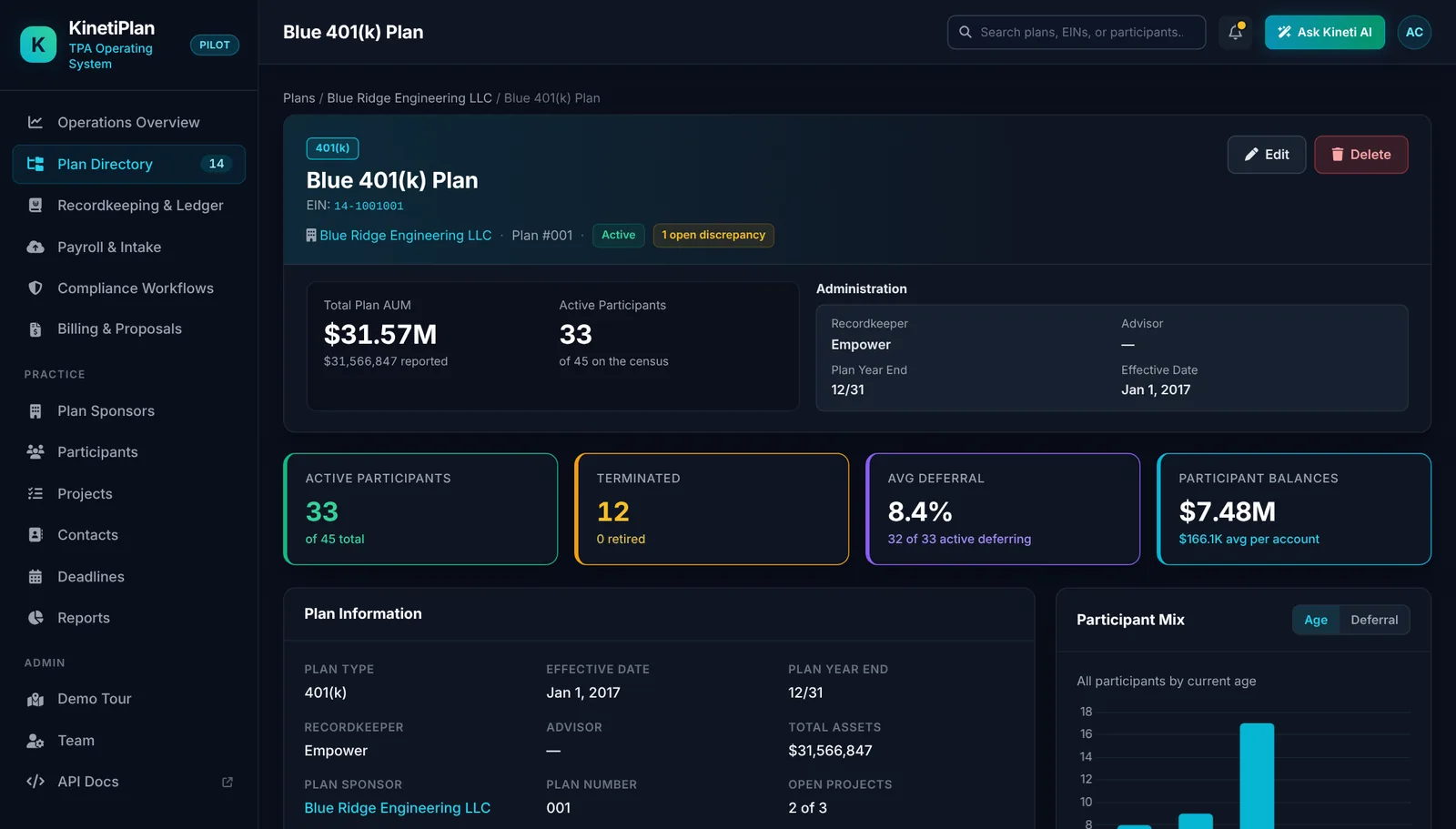
Participants and payroll batches on the plan record.
The short answer
- What it is
- Integrated 401(k) administration and recordkeeping software. Today it is a working pilot build that runs on synthetic demo data; it is not yet generally available.
- Who it serves
- Independent US third-party administrators (TPAs): owners, operations managers, plan administrators and the IT leads who support them.
- What it replaces
- The mix of testing software, spreadsheets, recordkeeper portals, email and calendars most TPAs stitch together by hand.
- How it works
- Payroll and census files are uploaded as CSV, checked by deterministic rules, routed to an exception queue, then posted to a pooled trust ledger that feeds testing, deadlines, Form 5500 and billing.
- Deployment
- Customer-hosted: in your own AWS account in a US region of your choice, or on-premise. Responsibilities are agreed in writing per customer.
- Limits today
- No live payroll or custodian connections (CSV upload only), no money movement, AI features planned only, no security certifications. KinetiPlan follows SOC 2-aligned practices; it has no SOC 2 report.
Frequently asked questions
What columns should a 401(k) census include?
At minimum: employee ID, date of birth, hire date, termination and rehire dates, hours of service, plan compensation, deferrals (pre-tax and Roth), employer contributions, and ownership or family attribution needed for HCE and key employee status. For the Roth catch-up rule, also prior-year FICA wages from the employer.
Is the census uploaded to KinetiPlan when I use the website tools?
No. The website tools read the file in your browser tab only. In a KinetiPlan deployment, census data is stored in your own environment.
Can KinetiPlan pull the census directly from payroll?
Not today. Census and payroll files are uploaded as CSV exports. Live payroll connections are not available.
See it on a workflow you know.
A 15-minute walkthrough of the pilot build with synthetic data, focused on the process you pick. No slides required.